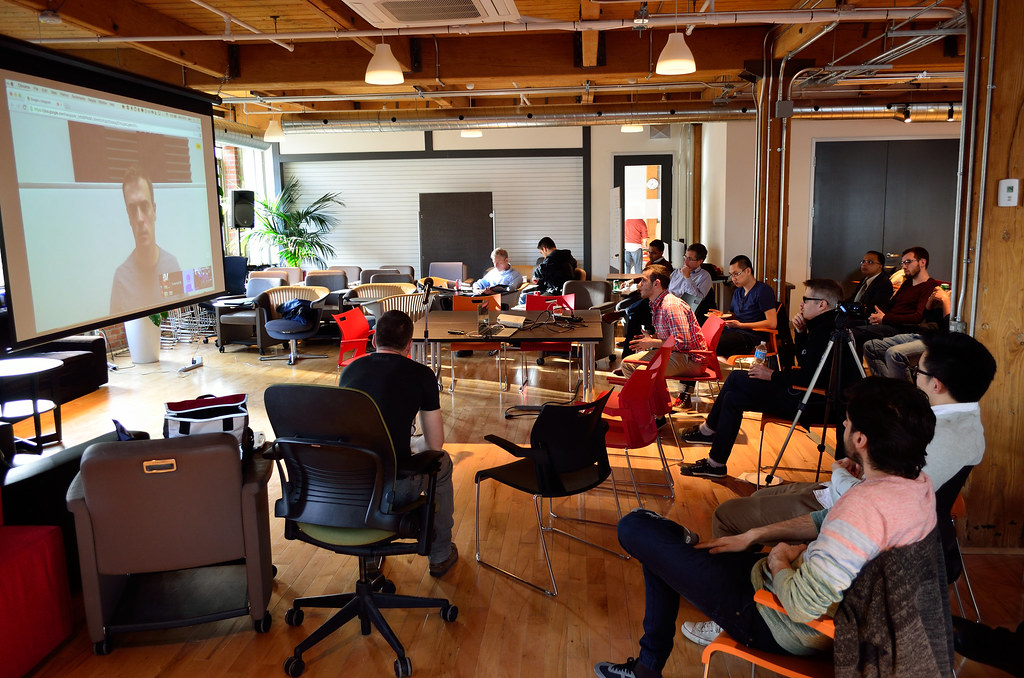
**Remote usability testing asks you to use a website, app or prototype and explain your experience while the researcher is elsewhere.
You are helping the team understand the interface, not proving that you are clever or finding every possible software bug.**
This guide explains participation rather than repeating our website testing site roundup.
It does not claim that we completed tests or verified personal withdrawals.
Opportunities, qualification and compensation depend on the provider and individual task.
Moderated and unmoderated sessions
Nielsen Norman Group's remote usability article explains the separation between participant and facilitator in remote research.
A moderated session has a researcher present to guide tasks and ask questions.
An unmoderated session normally provides instructions for you to follow without a live facilitator.
| Format | What to expect | What to confirm |
|---|---|---|
| Moderated | Live conversation and follow-up questions | Time zone, attendance and video requirements |
| Unmoderated | Recorded tasks completed from instructions | Device, recording permissions and deadline |
| Prototype task | Exploration of an unfinished interface | Whether test data should be used |
| Mobile task | Interaction on a specified phone or tablet | Operating system and recorder requirements |
A test may combine elements, so follow the actual invitation rather than assuming the format from its title.
Usability feedback is not bug hunting
You might describe why a menu label confused you, where you expected a price to appear or what made a checkout step difficult.
A software bug report instead often needs reproduction steps and technical evidence. Both can be useful, but they are different assignments.
Do not try to impress the researcher with specialized terminology. Say what you expected and what happened.
If you cannot complete a task, explain the difficulty rather than silently clicking around until something works.
Your uncertainty may be precisely what the team needs to understand.
Application and practice tests
UserTesting's application page describes a practice test, device requirements and a PayPal account.
Its payment information says reward amounts vary by test and the practice test is unpaid.
That means application activity is not a completed paid task.
The provider's advertised reward for a later test does not compensate all previous screening time automatically.
Read our UserTesting review for context, then verify the current invitation and official requirements.
Prepare your device and surroundings
Check internet stability, microphone permission and the required device. Close unrelated tabs and applications.
Disable notifications where practical and make sure screen sharing will not expose email, messages or other people's information.
Use a quiet space where you can speak comfortably. A household interruption can reveal private details or make the recording hard to understand.
If the study requires video, consider the background and who might walk into view.
Ask the coordinator about alternatives if the stated setup is not possible.
Think aloud without performing
Describe what you are looking for, what you expect a control to do and why you choose a step.
For example: "I am looking for the delivery cost before I decide whether to continue" explains the goal.
Reading every visible word aloud may not explain your reasoning.
Follow the instructions in order, and avoid researching how a prototype works before the task unless requested.
The study may be interested in a first impression. Do not substitute prepared, copied or generated answers for your own feedback.
Keep real credentials out of prototypes
A mock login or checkout screen may be intended for test information.
Do not type real passwords, card numbers or sensitive personal details into an unfamiliar prototype.
Ask whether dummy data is expected, and stop if the instructions are unclear.
Some studies legitimately involve your own account or workflow. That still requires understanding recording, consent and what is shared.
Our online study privacy checklist helps frame the questions to ask before participating.
Understand the payment timeline
UserTesting states that standard test payments are usually sent 14 days after completion and that PayPal delays can occur.
This is a provider statement checked November 20, 2026, not a universal rule for usability platforms or a promise about your next test.
Confirm the current task terms.
Record task completion and expected payment separately. A submitted recording can still require review.
If there is a problem, use the provider's reporting process instead of submitting an incomplete task as finished.
Keep the task reference for any later support request.
Calculate the effective rate honestly
Imagine an illustrative $8 reward for 20 minutes of testing and 20 minutes of unpaid screening and setup.
The estimated effective rate is $12 per hour across those 40 minutes, not $24. Neither figure describes typical platform earnings; they are arithmetic based on assumed inputs.
Use the hourly earnings calculator after you have actual reward and time figures.
Do not multiply a test's effective rate into an expected working day.
Qualification and task availability can leave substantial gaps, including periods with no accepted tasks.
Compare options by requirements
Our website and app testing category, Userlytics review and site finder provide starting points.
A good fit depends on supported country, equipment, format and reward method, not only the largest advertised task payment.
Sources and limits
Nielsen Norman Group and the linked UserTesting pages inform the format and provider-specific statements.
This guide is editorial preparation, not a testing report, income forecast or endorsement of every research invitation carrying those names.